
Frames
Every frame, one page per use
Every page here runs the same uncropper: you upload a photo, pick a frame and the model continues the scene past the edges while the original stays in the middle. Each page covers one kind of job in depth, with real runs, what extends well and what does not.
Updated
AI image extender
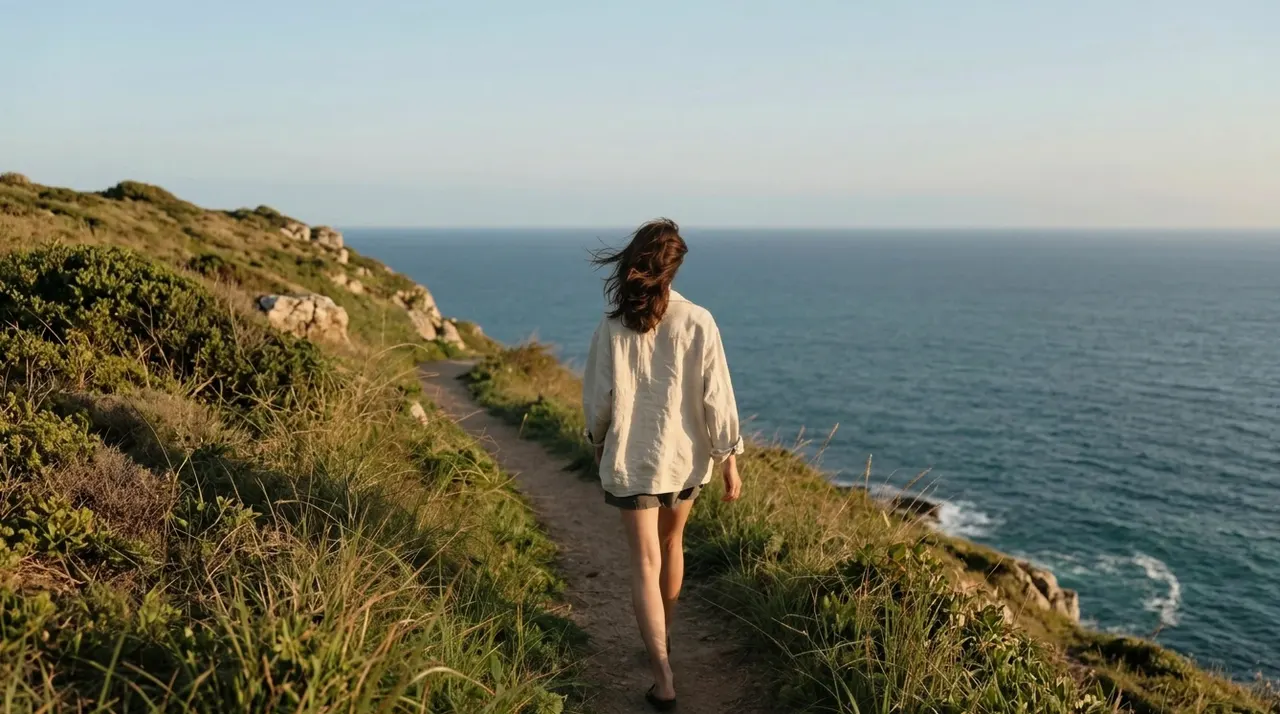
An image extender adds picture where there was none: upload a photo, pick the frame you need and the AI extends the image outward, continuing the ground, sky, walls and light so the result reads as one shot. The original stays in the middle at the same size, so a portrait can become a 16:9 thumbnail or a square a 9:16 story without cropping anything away.
OpenPhoto extender for wider frames
A photo extender is for the shots that are almost right: a landscape that needs more sky for a banner, a room that should fit a 16:9 slide, a street photo that has to become a 21:9 header. Upload the photo, choose the frame, and the AI extends the image to the sides with the same light and texture, so it looks as if you had stepped back before pressing the shutter.
Open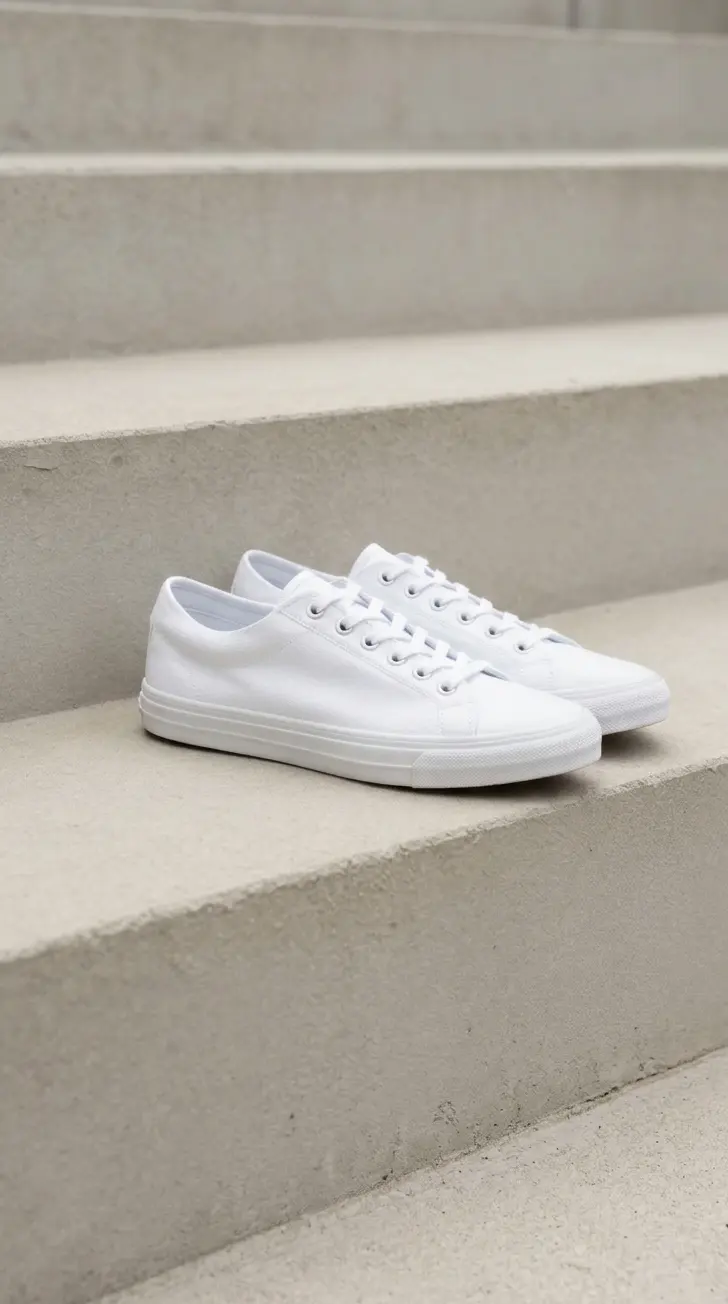
AI outpainting, without masks or layers
Outpainting is inpainting turned inside out: instead of filling a hole in a picture, the model paints beyond its borders. Here AI outpainting takes one step: upload a photo or an illustration, pick a frame, add a note if you want something specific in the new area, and the model outpaints the canvas around your image in the same style.
Open