
AI image extender
Uncrop any photo to the frame you need
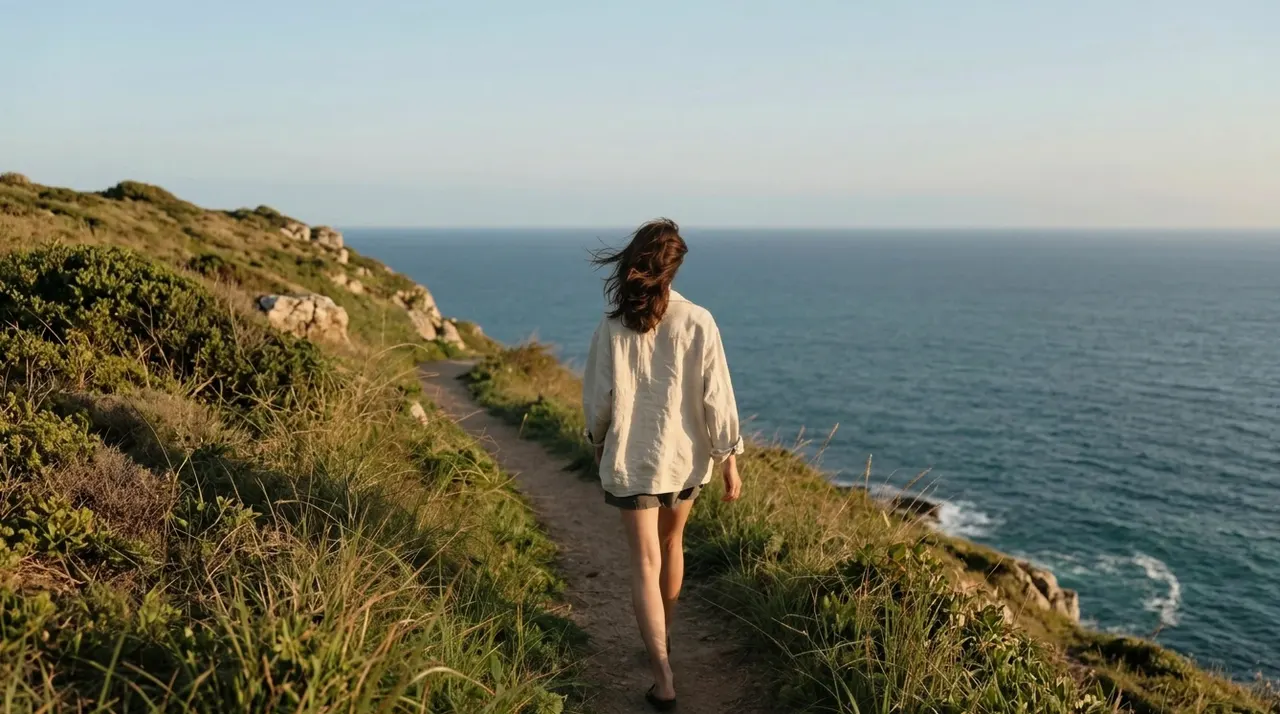
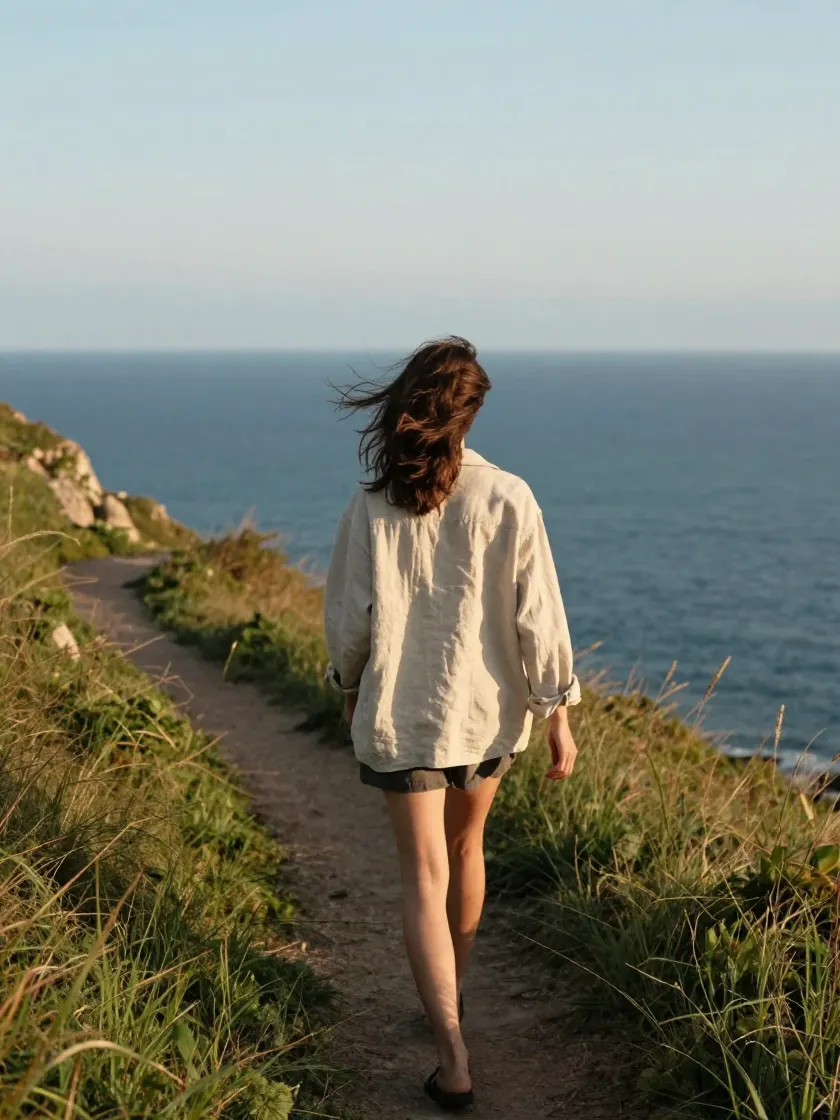
Upload a photo, pick a frame such as 16:9 or 9:16, and the model paints what lies past the edges. Your original stays in the middle, and you see the credit price before anything runs.
- 16:9
- 9:16
- 4:5
- 1:1
- 3:2
New frame
YouTube, desktop wallpaper, slides
- This uncrop costs
- 33 credits
Your free credits cover one complete uncrop (33 credits).
Frames
One photo, every frame it needs
Eight common frames, from tall stories to ultrawide banners. Each page shows real runs and tips for that use.
16:9
YouTube, desktop wallpaper, slides
9:16
Stories, Reels, TikTok, phone wallpaper
4:5
Instagram and Facebook feed posts
1:1
Profile pictures, marketplace listings
3:2
Camera prints, blog headers
2:3
Pinterest pins, posters, prints
4:3
Presentations, tablets, classic prints
21:9
Website banners, ultrawide wallpaper
Before and after
Real uncrops from this tool
Unretouched outputs on AI-generated sample photos. The exact instruction is listed under each one.
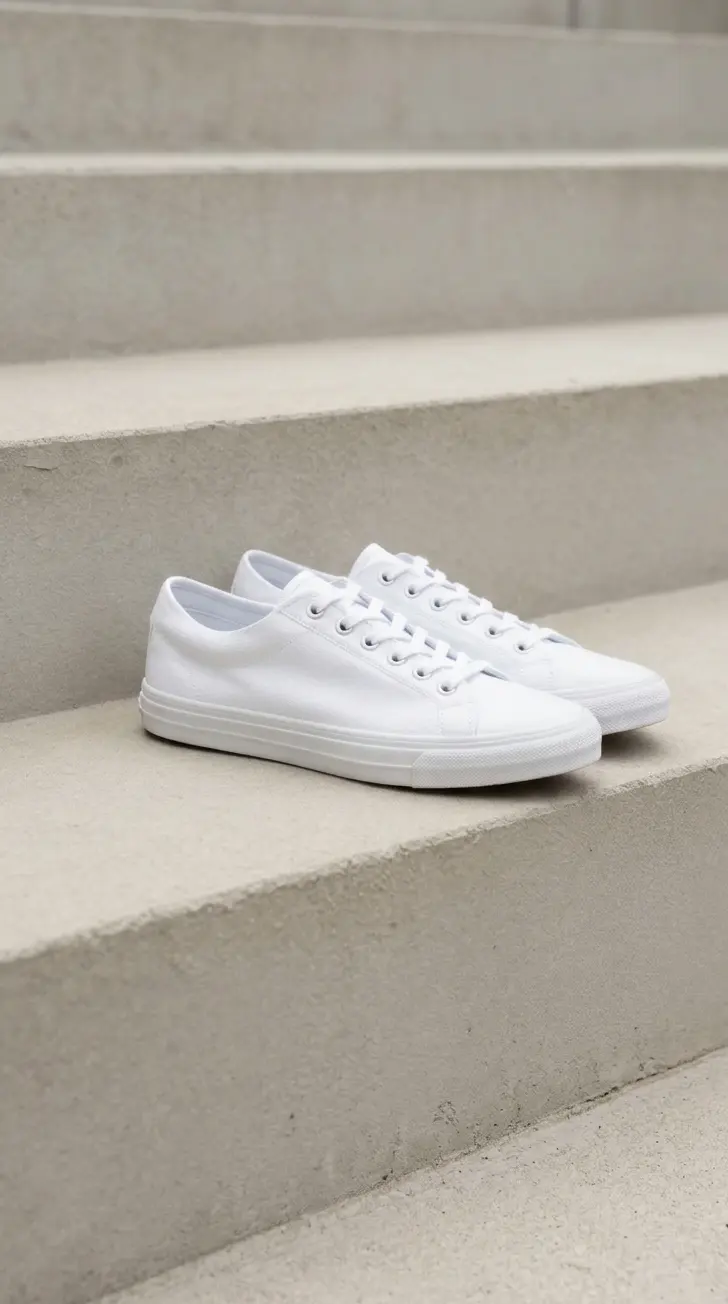
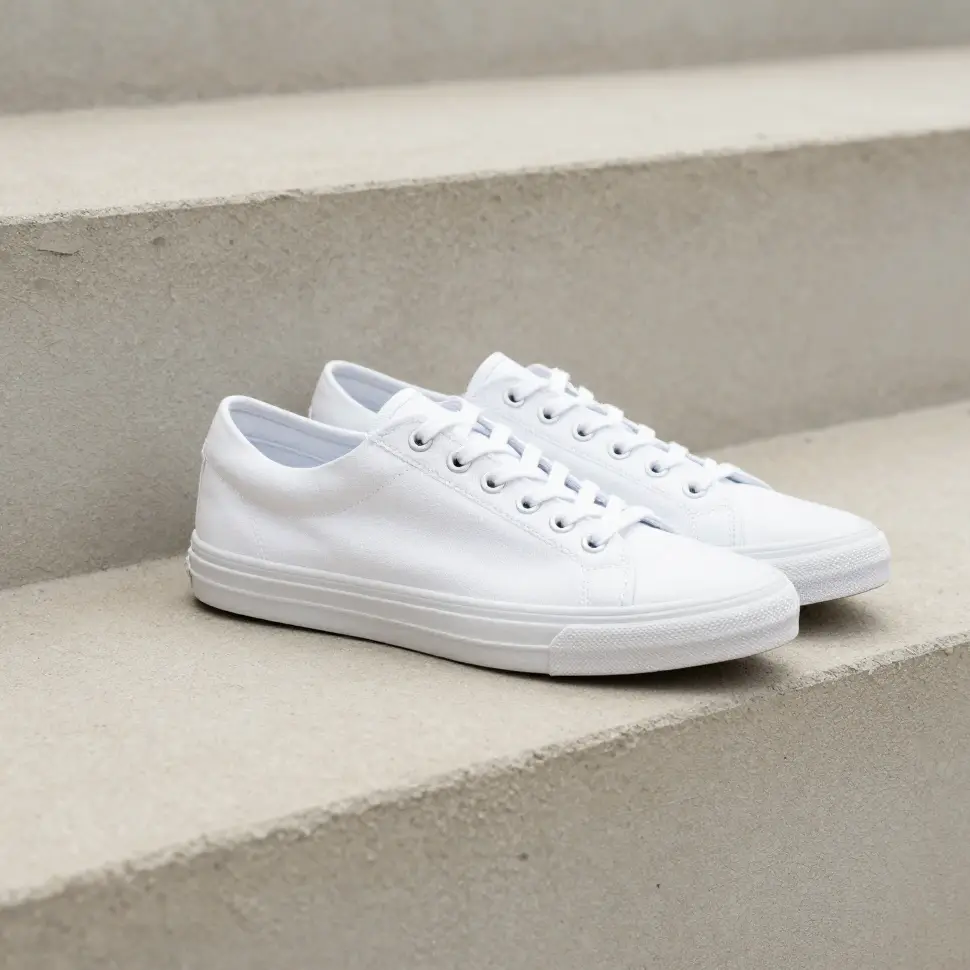
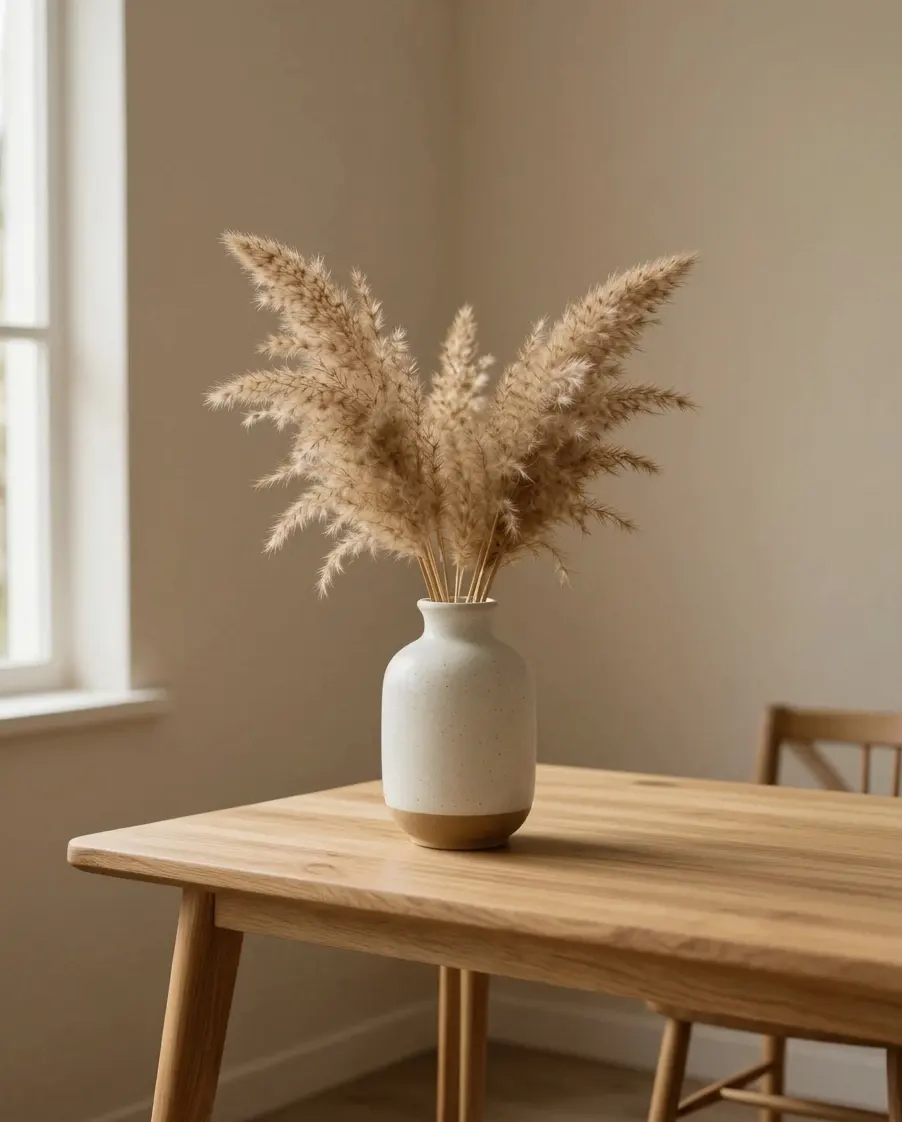
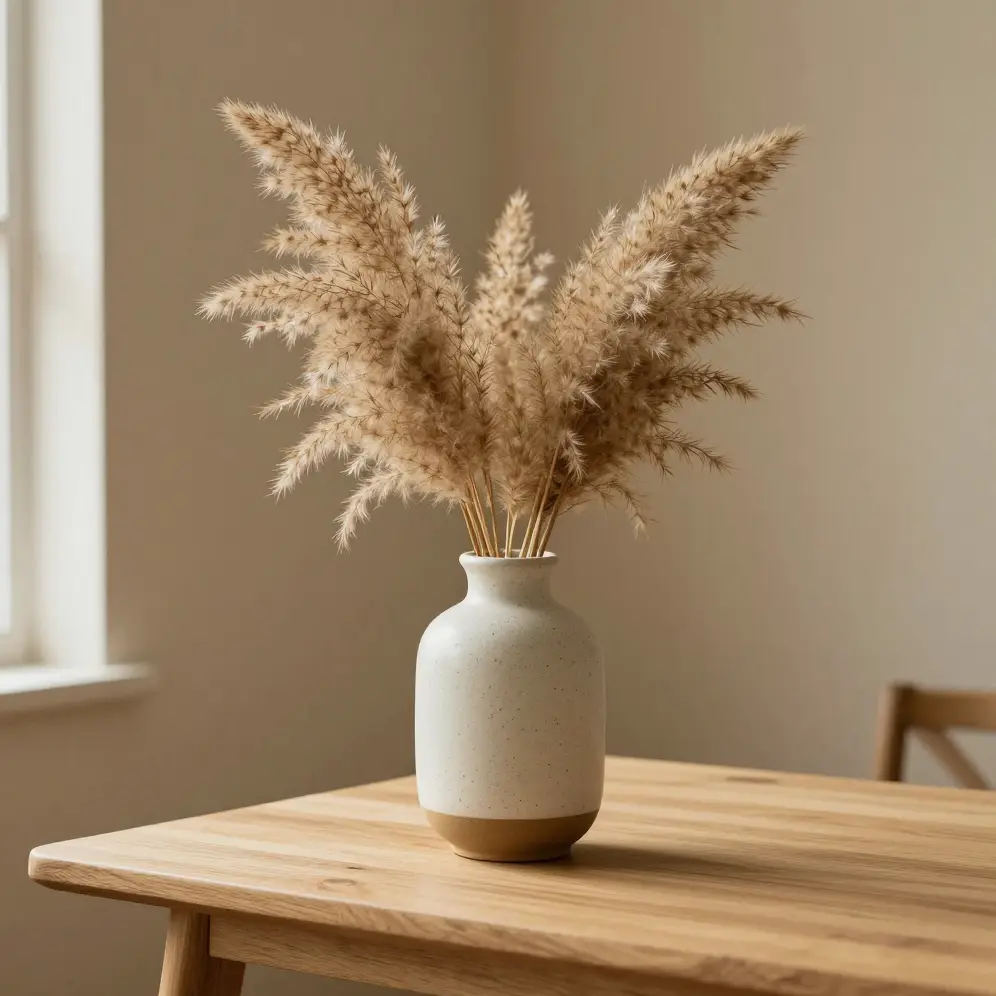
Extend to 9:16
Instruction
Extend this photo outward to fill a 9:16 frame. Keep the original picture unchanged, at the same size, in the middle, and continue the scene naturally past its edges with matching perspective, lighting, colour, grain and texture. Do not crop, zoom or move the original. Add no new people, text, borders, frames or watermarks.
Extend to 4:5
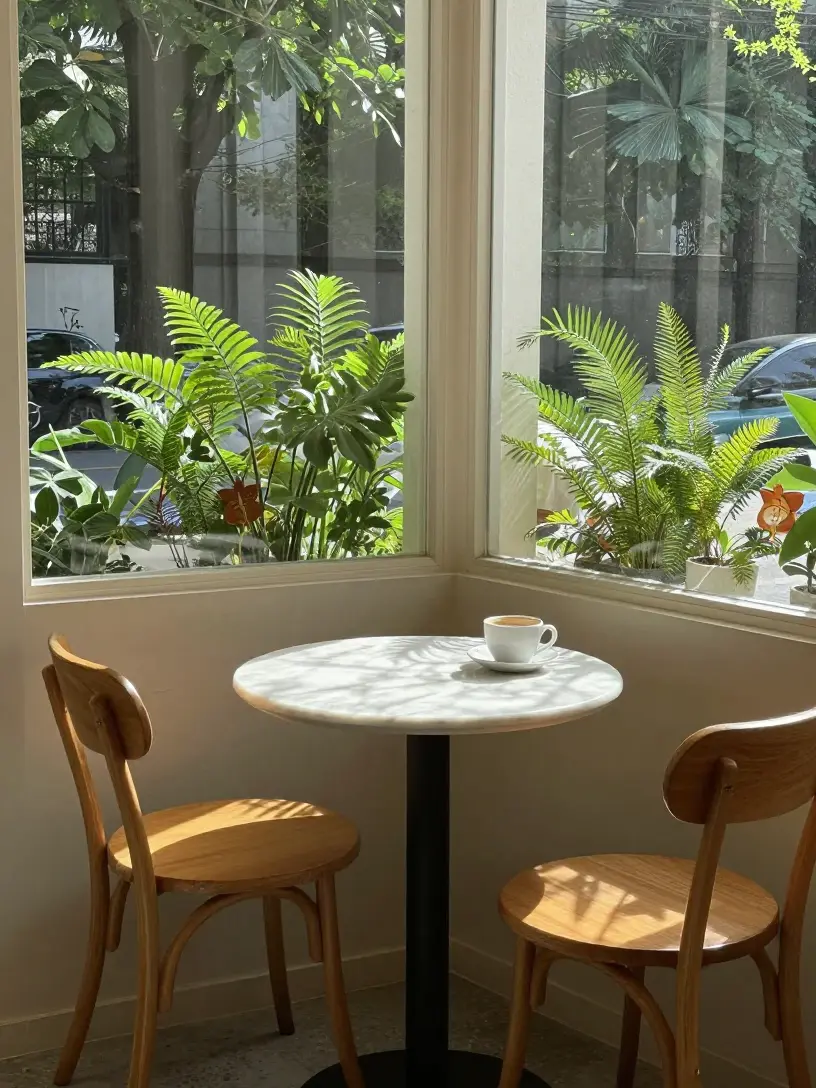
Instruction
Extend this photo outward to fill a 4:5 frame. Keep the original picture unchanged, at the same size, in the middle, and continue the scene naturally past its edges with matching perspective, lighting, colour, grain and texture. Do not crop, zoom or move the original. Add no new people, text, borders, frames or watermarks.
Extend to 3:2
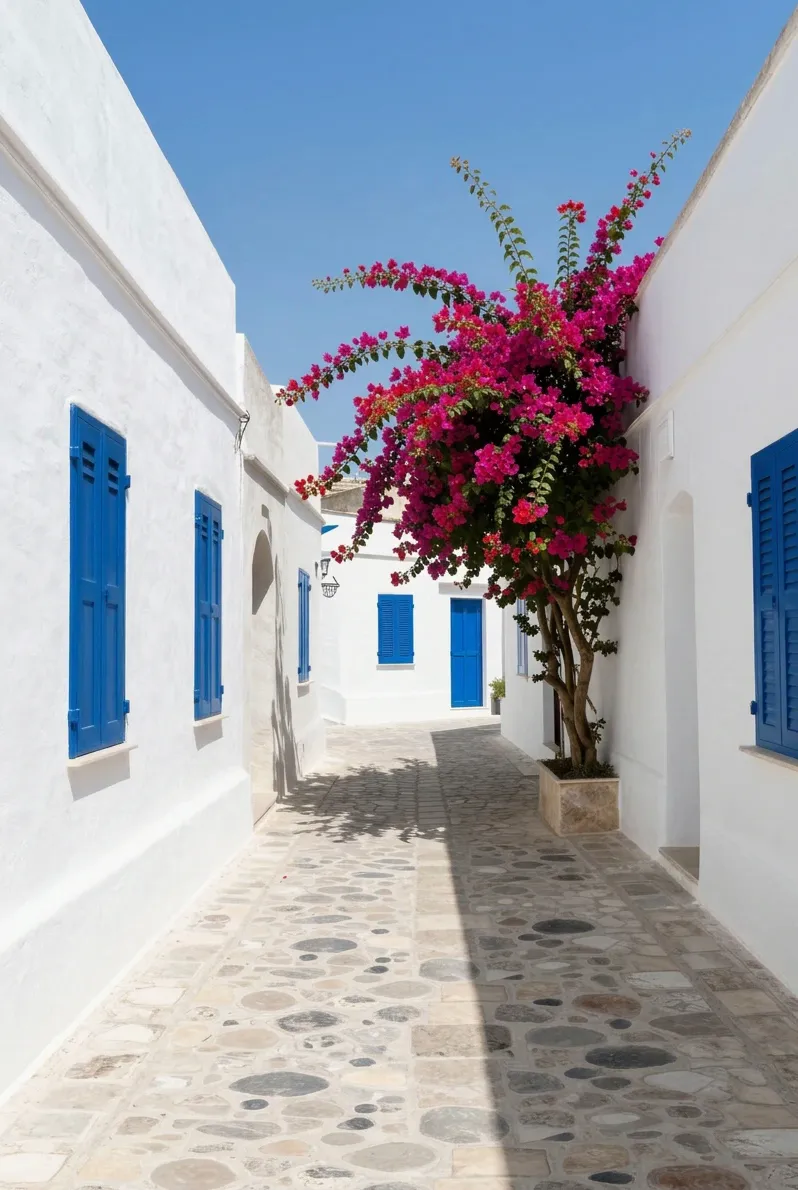
Instruction
Extend this photo outward to fill a 3:2 frame. Keep the original picture unchanged, at the same size, in the middle, and continue the scene naturally past its edges with matching perspective, lighting, colour, grain and texture. Do not crop, zoom or move the original. Add no new people, text, borders, frames or watermarks.
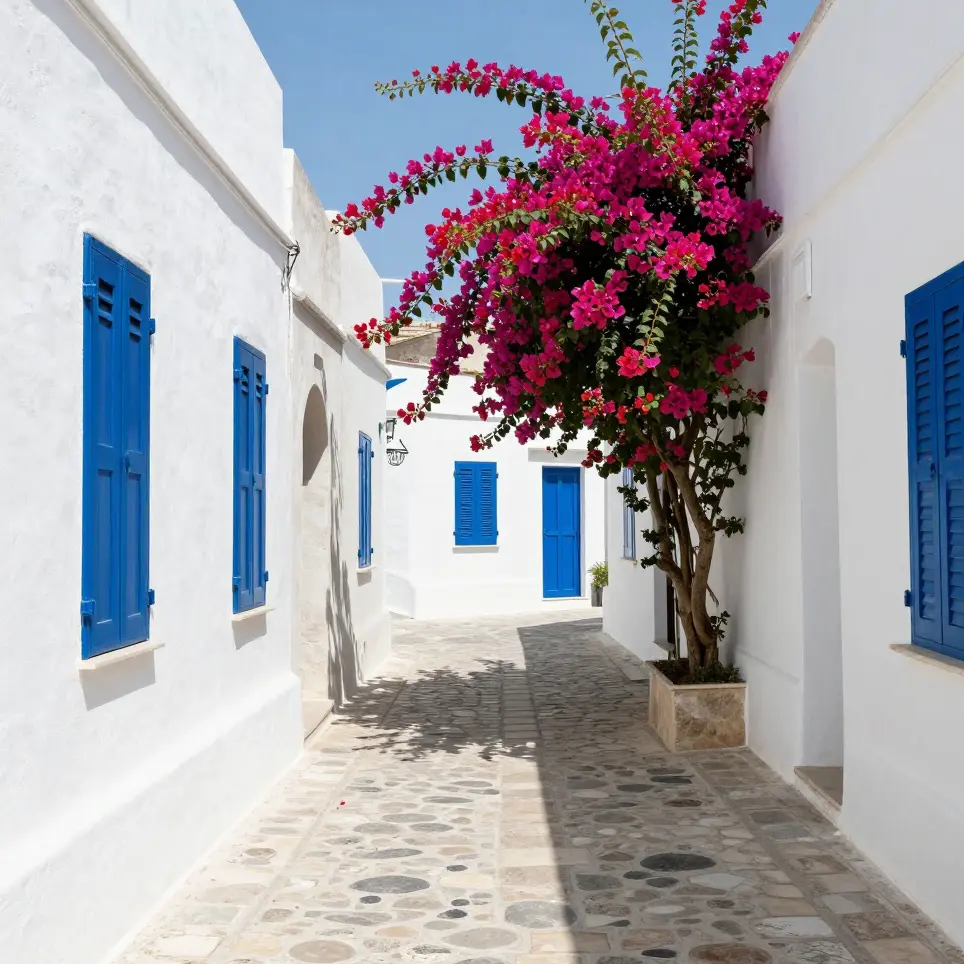
Extend to 2:3
Instruction
Extend this photo outward to fill a 2:3 frame. Keep the original picture unchanged, at the same size, in the middle, and continue the scene naturally past its edges with matching perspective, lighting, colour, grain and texture. Do not crop, zoom or move the original. Add no new people, text, borders, frames or watermarks.
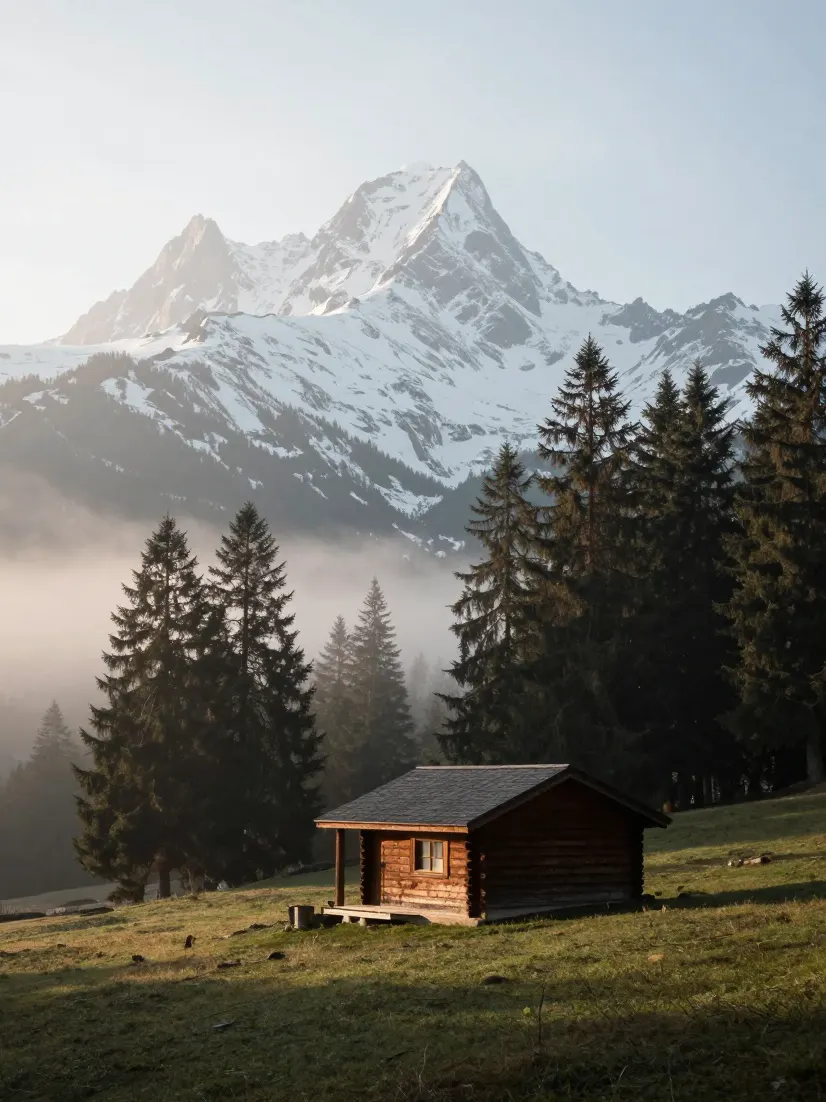
Extend to 4:3
Instruction
Extend this photo outward to fill a 4:3 frame. Keep the original picture unchanged, at the same size, in the middle, and continue the scene naturally past its edges with matching perspective, lighting, colour, grain and texture. Do not crop, zoom or move the original. Add no new people, text, borders, frames or watermarks.
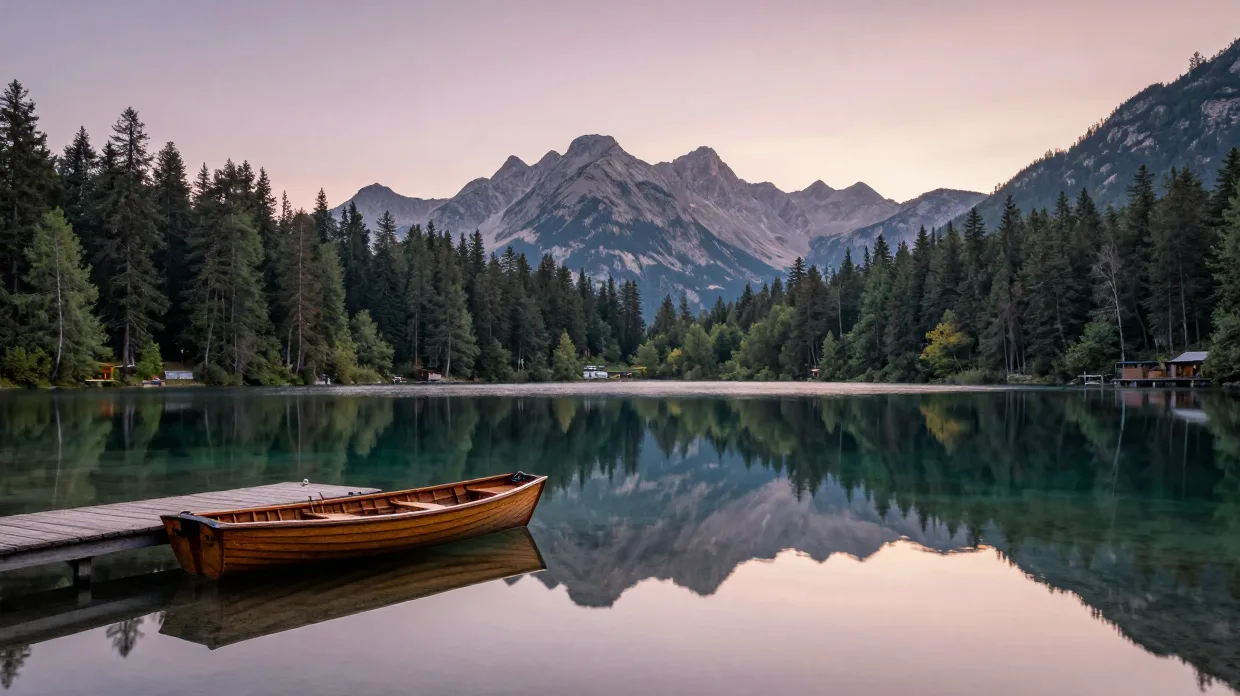
Extend to 21:9
Instruction
Extend this photo outward to fill a 21:9 frame. Keep the original picture unchanged, at the same size, in the middle, and continue the scene naturally past its edges with matching perspective, lighting, colour, grain and texture. Do not crop, zoom or move the original. Add no new people, text, borders, frames or watermarks.
How it works
How to uncrop a photo with AI
Three steps, whatever the frame.
- 01
Upload a photo
JPG, PNG or WebP up to 10 MB. It is stored privately in your account.
- 02
Pick the new frame
Choose a frame, optionally say what the new area should show, then pick a model and output size. The credit price updates as you go.
- 03
Compare and download
Drag the slider to compare, keep your original pixels in the middle, and download. You can extend a result again for a wider frame.
Models
Which model extends your photo
You choose the model. Credits per uncrop are fixed by model and output size.
| Model | Good for | 1K | 2K |
|---|---|---|---|
| Nano Banana 2.1 | Everyday uncrops: fast, low cost, good at continuing textures | 33 | 49 |
| GPT Image 2 | A second opinion on busy scenes and interiors | 49 | — |
2K output needs a plan or a credit pack. Credits are only kept for uncrops that finish.
Pricing
Plans for one creator or a whole layout team
Three personal plans, two team plans with seats, and credit packs for occasional use. New accounts get 33 free credits once: one complete uncrop.
Margin
For a few reframed photos every week
$5.58/month
$67 billed once a year
or $6.70 billed monthly
- 2,320 credits a month
- About 70 Nano Banana 2.1 uncrops at 1K
- 27,840 credits a year, 2,320 added each month
- Two uncrops at a time
- Up to 2K output
Widescreen
For creators who reframe every day
$13.58/month
$163 billed once a year
or $16.30 billed monthly
- 5,820 credits a month
- About 176 Nano Banana 2.1 uncrops at 1K
- 69,840 credits a year, 5,820 added each month
- Six uncrops at a time
- Up to 2K output
- API keys and MCP from scripts
Horizon
For shops and studios with whole catalogues
$31.58/month
$379 billed once a year
or $37.90 billed monthly
- 14,240 credits a month
- About 431 Nano Banana 2.1 uncrops at 1K
- 170,880 credits a year, 14,240 added each month
- Six uncrops at a time
- Up to 2K output
- API keys and MCP from scripts
Team plans
Billed per seat, from 3 seats. Every seat adds credits to one shared pool, and members join by invite link.
Layout Desk
A shared pool for a small layout team
$152per seat a year
or $15.20 per seat billed monthly
3 seats: $456 in total
- 14,940 credits a month in the pool (4,980 per seat)
- One shared credit pool for the team
- Six uncrops at a time
- Up to 2K output
- API keys and MCP from scripts
Art Department
More credits per seat, plus a credit cap you set per member
$341per seat a year
or $34.20 per seat billed monthly
3 seats: $1,023 in total
- 36,090 credits a month in the pool (12,030 per seat)
- One shared credit pool for the team
- Six uncrops at a time
- Up to 2K output
- API keys and MCP from scripts
Crop Mark · $4.70
1,300 credits that never expire, about 39 uncrops at 1K. Unlocks 2K output.
Bleed · $11.60
3,180 credits that never expire, about 96 uncrops at 1K. Unlocks 2K output.
Full Frame · $28.20
7,860 credits that never expire, about 238 uncrops at 1K. Unlocks 2K output.
Free: 33 credits once, added when you confirm your email, no card needed. That is one complete uncrop. One grant per mailbox. They never expire.
Refunds within 7 days (monthly), 21 days (yearly) or 14 days (credit packs) if no more than 10% of the credits were used; the unused part comes back pro rata.
Questions about uncropping photos
What is Edgefill?
Edgefill is an uncrop AI that runs in the browser. You upload a photo, pick a new frame such as 16:9 or 9:16, and an image model continues the scene past the original edges. The original stays in the middle at the same size.
Is it free to try?
New accounts get 33 credits once, added when the email address is confirmed; that covers one complete uncrop at 1K (33 credits). Each mailbox gets the grant once, and sign-ups from VPN, proxy or hosting networks start without it.
Which AI models does it use?
Uncrops run on Nano Banana 2.1, Google's image model, or GPT Image 2, OpenAI's image model; you pick one in the editor. The model name is saved with every job in My uncrops.
Does it change my original photo?
The model redraws the whole frame, so small shifts can creep into the middle. With "Keep my original pixels" on, the download lays your untouched photo back over the middle with a soft seam, so only the new area is generated.
What photos can I upload?
JPG, PNG or WebP files up to 10 MB and at least 64 pixels on each side. Upload only photos you own or have permission to edit, and only photos of people who agreed to it.
How large are the results?
Results come out at 1K on the long side without a plan, and up to 2K with any plan or credit pack. GPT Image 2 renders at 1K.
Who can see my photos and results?
Only you; on a team plan the owner sees usage, not your photos. There is no public gallery. The photo goes only to the AI service that runs the uncrop, and the words you type are checked by an automated safety screen first.
What happens if an uncrop fails?
Credits are taken when an uncrop starts. If it errors or times out, they go back to your balance automatically and the job is marked as failed in My uncrops.
Can I use the results commercially?
Yes, on any plan, as long as you hold the rights to the photo you uploaded and the use follows the Terms and the Acceptable Use Policy.
What will it refuse to do?
Edgefill continues the scene that is already in your photo. Prompts that ask for something else are declined before any credits are spent, and the Acceptable Use Policy lists the rules in full.
Updated
Framing notes
Practical write-ups on uncropping, aspect ratios and keeping the original intact.
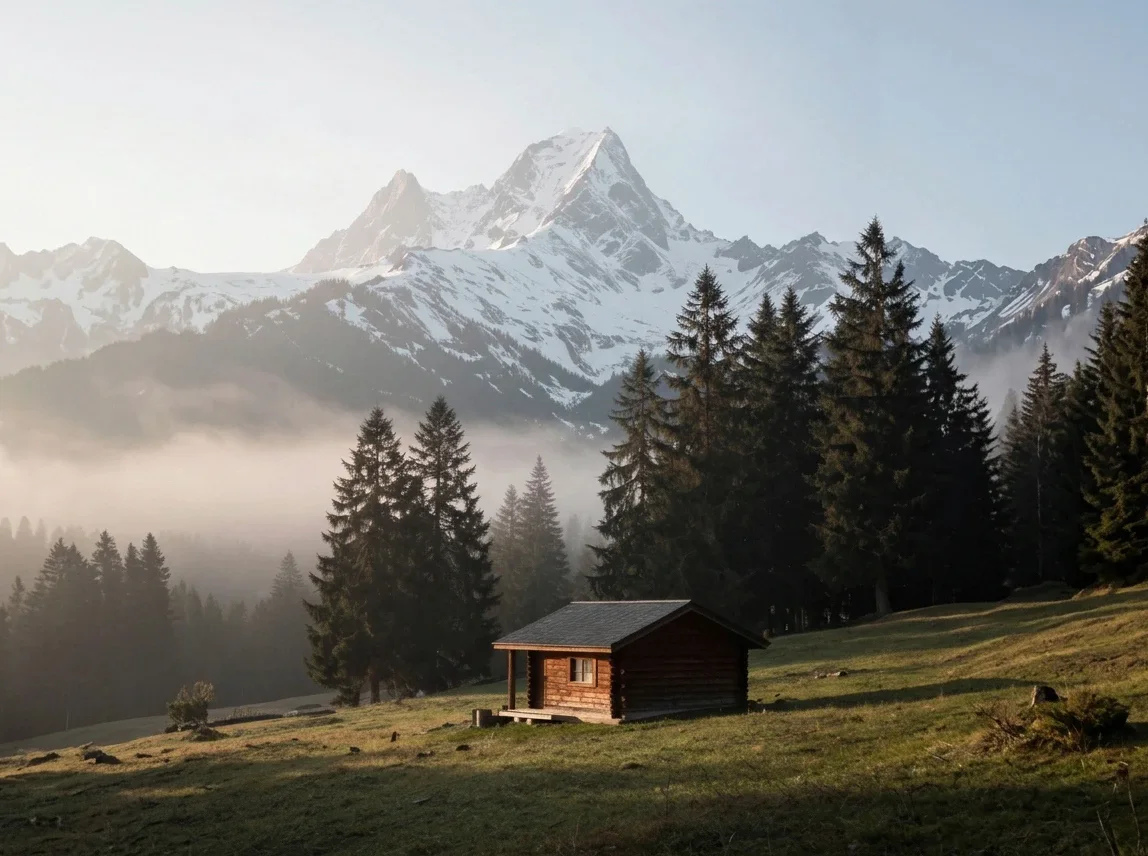
Uncrop vs Upscale: More Picture or More Pixels?
Uncropping adds new picture around a photo; upscaling adds pixels to the same picture. How to tell which one your photo needs, and when to use both.
Why We Keep Your Original Pixels When Extending a Photo
Image models redraw the whole frame when they extend a photo, so the middle can drift. How Edgefill finds your original in the result and lays it back with a soft seam.
Best Aspect Ratios in 2026: Which Frame Each Platform Wants
The frames that matter in 2026, from 9:16 stories and 4:5 feed posts to 16:9 thumbnails and 21:9 banners, and how to get any photo into them without cropping.
Have a photo in the wrong shape?
Upload it, pick a frame, and compare the result.